

Flagship · available now
Opalis – Glass Icon Pack
540+ frosted-glass icons, one-tap apply and the live wallpaper “Opalis Dream”.
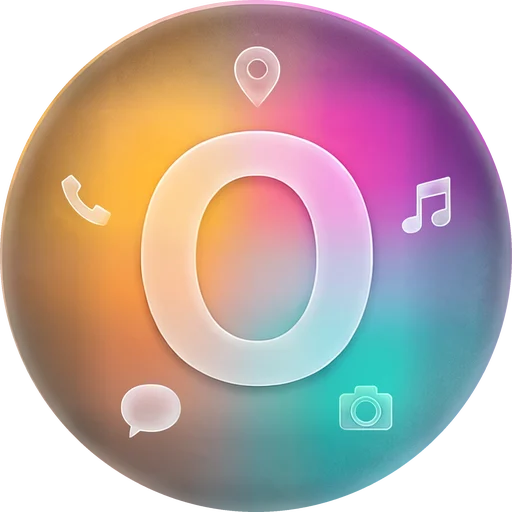
Back to Opalis ↑Over 540 round panes of thick frosted glass, colour glowing from behind, a milky-white symbol on top. A home screen that looks cut and polished.




Every symbol sits in the same round pane of glass. No more jumble of squares, circles and droplets.
Behind the glass glows a soft gradient in each app’s own colours – so you still find it at a glance.
The milky white of the symbols quiets your home screen without turning it grey.
A selection from over 540 icons – sorted by what you open every day.
From messengers to streaming, from banking to games: the popular apps are in – each with its own glowing colour core.
The “Requests” tab shows which of your apps don’t wear glass yet. Tap, send the mail – it goes on the list.
The app detects your launcher and applies Opalis directly – or takes you to the right menu in two steps.
| Nº | Launcher | Apply | How |
|---|
A wallpaper that breathes: slow streaks of light drifting behind your icons. Included.
Simulated preview in the browser
Soft bands of light in rosé, lavender and peach flow slowly – never hectic.
Small, blurred points of light float in the depth and give the glass something to reflect.
As you swipe between home screens, the layers shift ever so slightly against each other.
That’s about 0.18 cents per icon – and the live wallpaper is already included.
Planned price at launch: one-time purchase on Google Play. No subscription, no in-app purchases.
Opalis is the first pack. The next one is already on the drawing board.
540+ frosted-glass icons, one-tap apply and the live wallpaper “Opalis Dream”.
Back to Opalis ↑Warm, hand-drawn icons from a picture book. Working title – details to follow.
Tell me when it’s out →Almost any. The app detects 25 launchers – with Nova, Niagara, Smart Launcher and many more, one tap is enough. With ColorOS, OxygenOS or Lawnchair it takes you to the right menu.
Open the “Requests” tab: it lists every installed app that has no Opalis icon yet. Select, send the mail – done. The most-wanted ones arrive with the next updates.
Yes, through Samsung’s add-on app Good Lock (Galaxy Store) → Theme Park → Icon. The quick guide in the app shows every step. Or use a free launcher like Lawnchair.
The Pixel launcher doesn’t support icon packs. With a free launcher like Lawnchair or Kvaesitso, Opalis works right away.
Tap “Opalis Dream” in the app and set it as your wallpaper – home screen, lock screen or both.